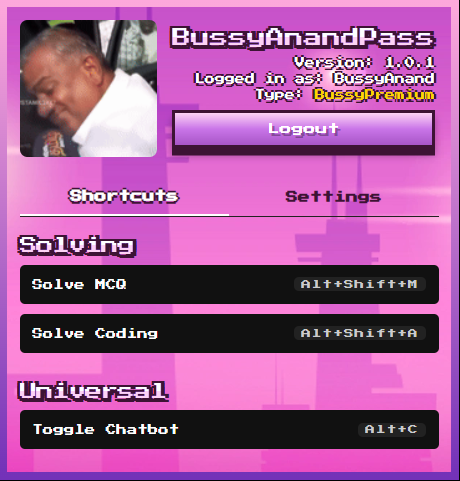
What is BussyAnandPass?
BussyAnandPass is a solution that helps students with online exams. It comes
as
a Chrome extension that works on any Chromium-based browser.
Which devices does BussyAnandPass support?
The BussyAnandPass Chrome Extension works on any operating system where
Chrome
or Chromium-based browsers can be installed.
Is BussyAnandPass free to use?
Yes, BussyAnandPass is available free of charge. You can upgrade to
BussyPremium
for hassle-free one-click installation and premium managed API keys.
How do I install BussyAnandPass?
Download the extension from our website, extract the ZIP file, and follow
the
Installation Guide above for step-by-step instructions.
Will BussyAnandPass work with my university's
exam
platform?
BussyAnandPass is designed to work specifically with iamNeo/Examly
platforms.
Does the AI Assistant work even if AI websites
are
blocked on my network?
Yes, the AI Assistant in BussyAnandPass works through a proxy server, so as
long
as the page is able to load on the target network, it will work — even if AI websites like
Gemini
are blocked.
I'm getting an error: "Manifest file is missing
or
unreadable. Could not load manifest."
This error typically occurs when the extension files are not extracted
properly
or when selecting the wrong folder during installation. Make sure you've properly unzipped the
files
and are selecting the correct BussyAnandPass folder that contains data and images folders when
loading the unpacked extension.
What are the benefits of a BussyPremium
subscription?
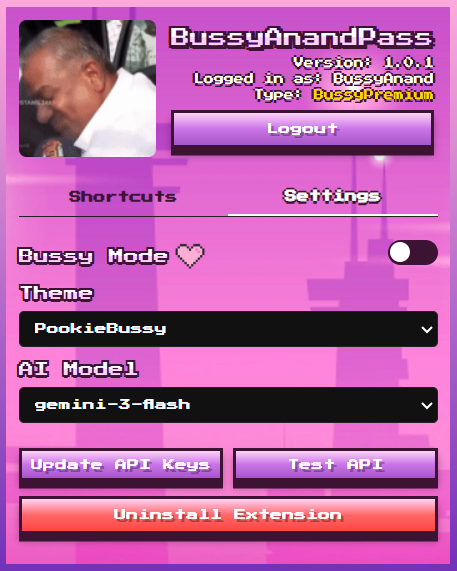
BussyPremium provides access to shared premium API keys with high rate
limits
(Gemini has 10K requests per day), and supports advanced models including gpt-4.1-nano, gpt-5,
deepseek-v3, gemini-2.5-flash, gemini-3-flash, and gemini-3-pro.
What is the refund policy for Premium
subscriptions?
There are no refunds for Premium subscriptions once activated.
Can I share my Premium account with others?
Yes, you can share your Premium account with others, but simultaneous usage
is
restricted and be aware of the token limits as the daily plan won't be sufficient enough to take
multiple assessments.
 BussyAnandPass